
A clearer plan.
A download to keep.
Practical tools for the details that come after the first idea. Our calculators stay free; these optional downloads help you carry your project further.
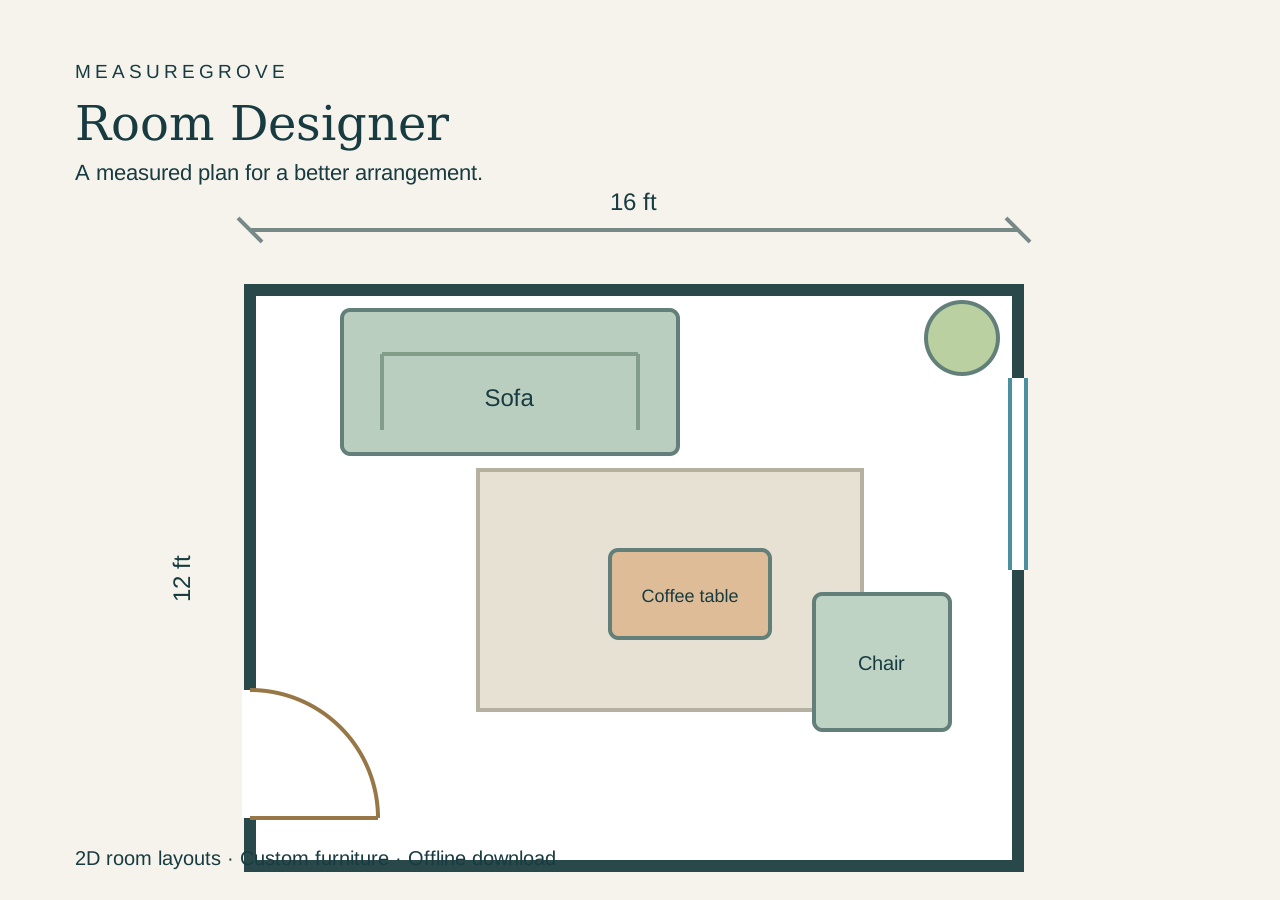
Room Designer
$29 USD · one-time purchase
Try your furniture arrangement before moving a thing. Create a measured 2D room plan and build a reusable library of your own furniture.
- Rectangular and L-shaped rooms in feet/inches or meters.
- Interior walls with snapping endpoints, plus movable doors and windows.
- Custom furniture from basic shapes, with exact sizes, rotation, colors and layers.
- A personal furniture library organized by room and furniture type.
- Editable backups, printable plans and SVG export.
ZIP with offline HTML designer and quick-start guide. Desktop browser recommended. Concept planning only; not a construction or 3D tool. Applicable tax is shown at checkout.
Flooring Project Planner
$19 USD · one-time purchase
Turn scattered estimates, quotes, and shopping notes into one organized project.
- Track your budget, payments, and contingency.
- Compare contractor quotes and what each includes.
- Keep purchases, suppliers, and return notes together.
- Save project backups and print your plan.
Checkout and download delivery are handled by Gumroad. Applicable tax is shown at checkout.
What you receive
A ZIP containing the interactive HTML planner and quick-start instructions. Open it in a desktop browser with JavaScript enabled. Works offline; no Excel or subscription required.
Prices are in USD. Keep saved project backups. Room Designer includes local browser recovery and a separate furniture-library backup; recovery depends on browser settings and file location. Personal household use; no resale or redistribution.
Start with the free calculator
Estimate flooring quantities on MeasureGrove, then use the paid planner to organize the wider project budget and purchases.
Open the free flooring calculatorBefore you buy
Which download should I choose?
Choose Room Designer to draw a 2D room, arrange furniture and build custom furniture pieces. Choose Flooring Project Planner to track budgets, contractor quotes and purchases. Both open in a browser; neither requires a spreadsheet application.
How do I receive and reopen my planner?
Gumroad provides access after purchase. Extract the ZIP and open the HTML file. Use Save project in the Flooring Project Planner or Save layout in Room Designer to keep an editable backup. Room Designer furniture libraries have a separate backup inside the library.
Where do I get help or request a refund?
Use the contact details on your Gumroad receipt. The applicable purchase and refund terms are shown by Gumroad.